The best budget spreadsheet isn’t a spreadsheet.
It’s an app. It runs on your pay schedule. And it’s two dollars a month.
Your first month is free. Then it’s two dollars a month until you cancel.
No bank connection. Cancel anytime.
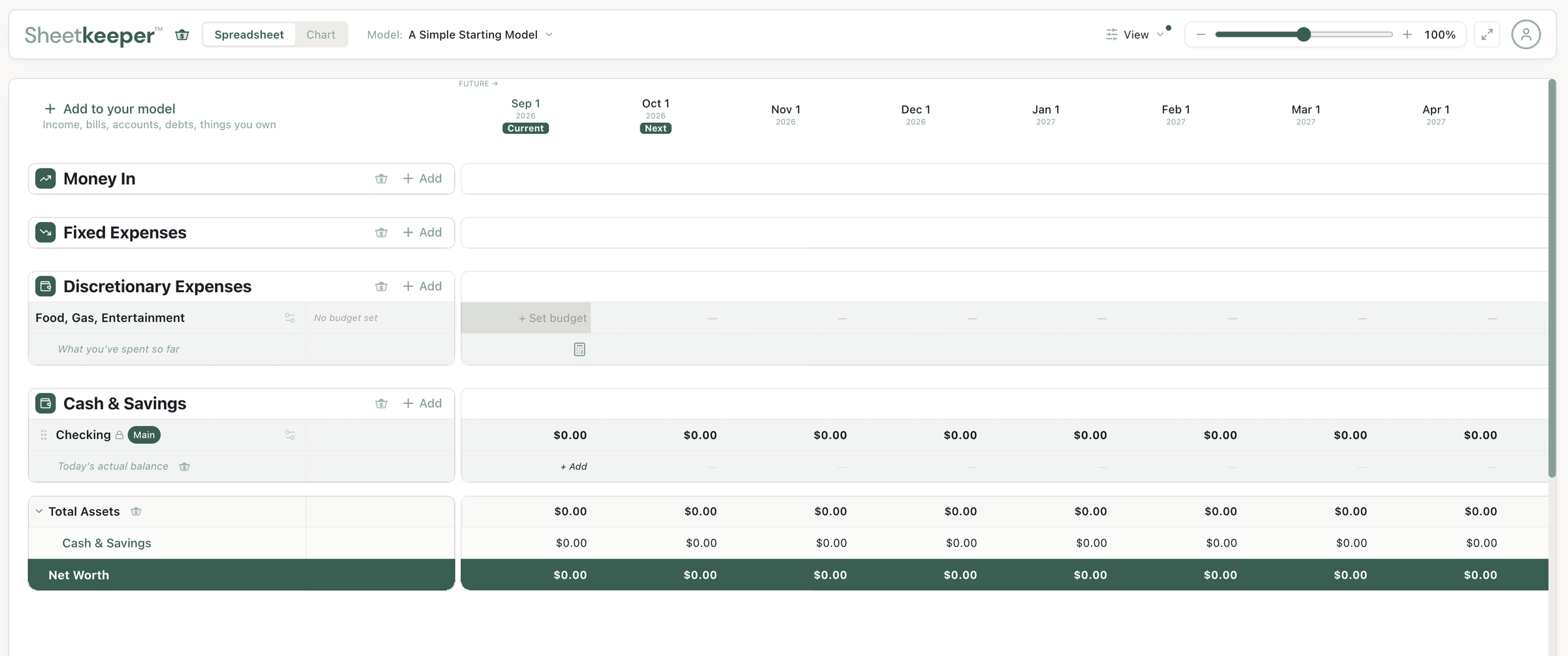
Day one. A paycheck and a couple of bills.
Your money, on your pay schedule.
Every other budgeting app works in calendar months. You don’t get paid in calendar months. Sheetkeeper™ is built around your actual pay periods — every other Friday, twice a month, however you’re paid — so what you see matches what actually happens.
Paid whenever? Still works.
Drive for Uber or Lyft, deliver, freelance, run a side hustle — set your pay cadence to whatever yours actually is, from more than one source at once. Then decide when each payout lands in your model, so the timing matches how the money really shows up.
Every future payout is your own number, so you can put in what you expect and change it as your estimate changes. That's what tells you whether next week holds up on its own, or whether it's the week you'd reach for an instant payout.
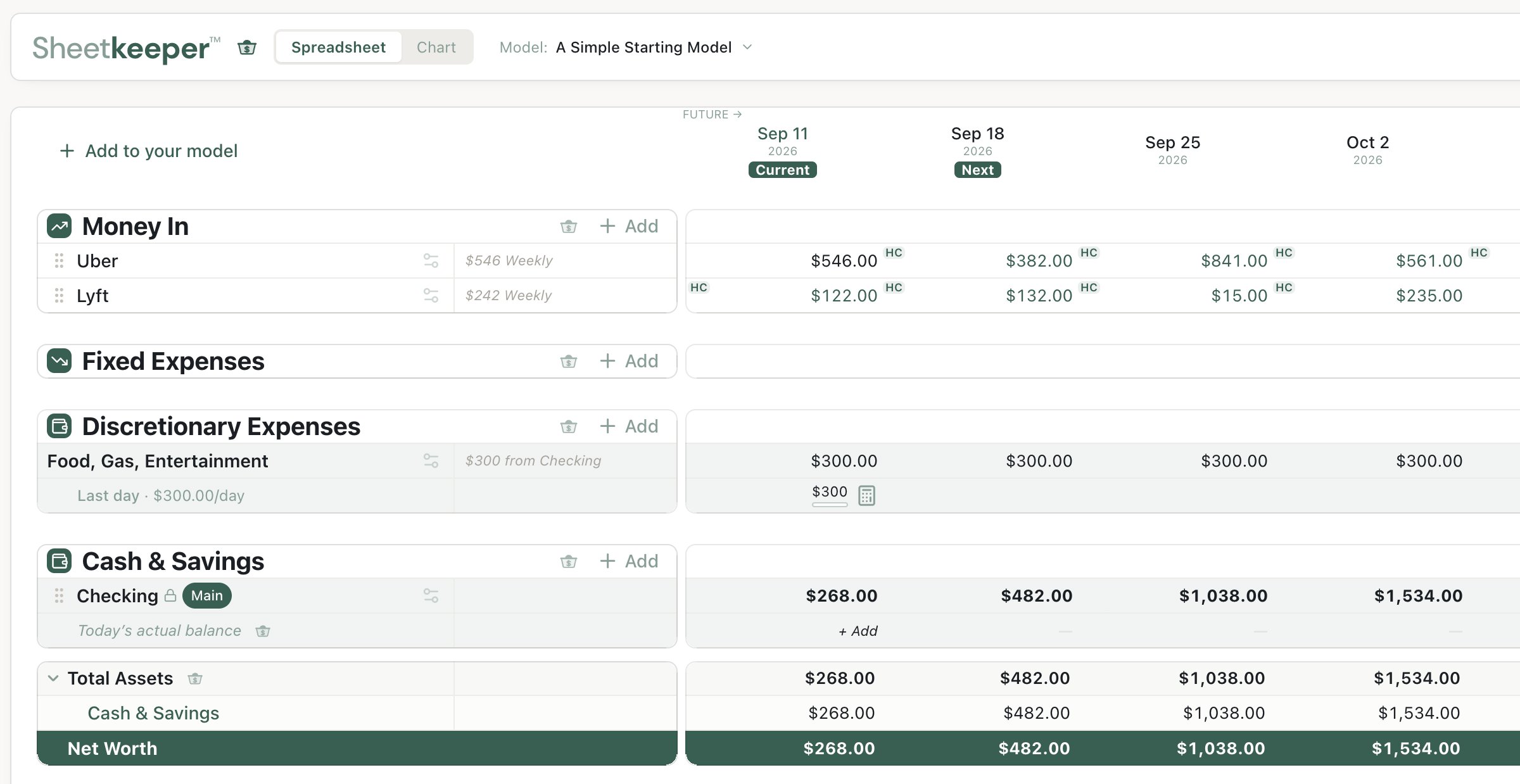
Input in minutes, changes in seconds.
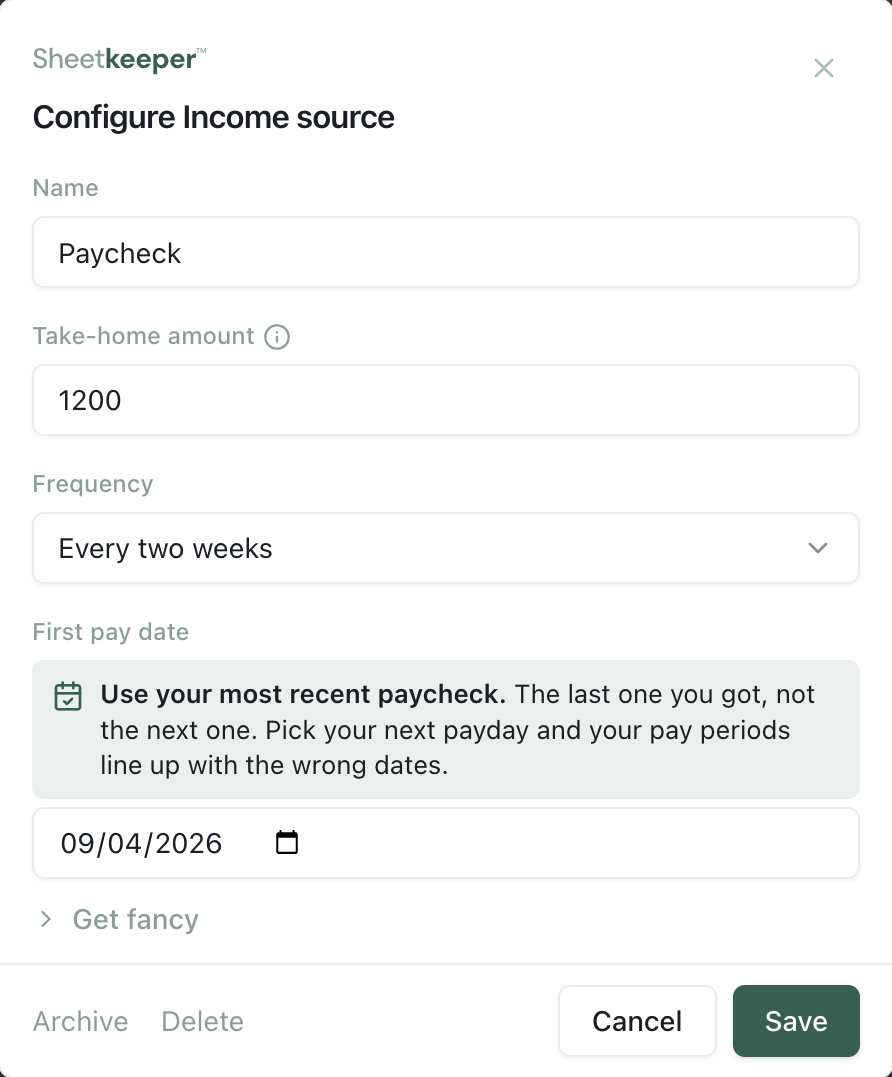
Income, once.
Name it, type your take-home, say how often you're paid. That's it — from then on it lands in every pay period, on the right dates, without you touching it again.
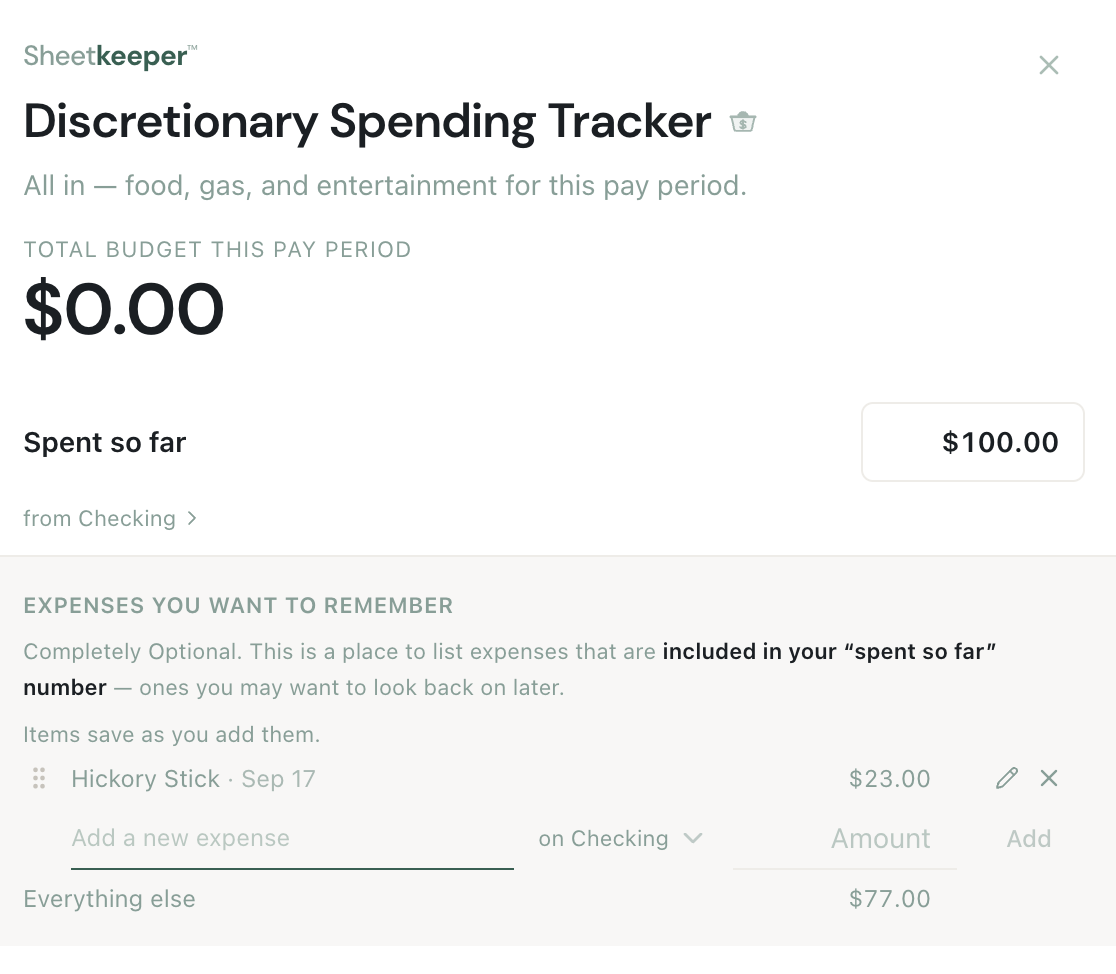
Spending, as you go.
One number for food, gas and fun this pay period, and what's left after it. Jot down the expenses you want to remember and ignore the rest. No receipts, no categories to keep up with.
Know what you can spend today.
Pull out your phone and type what you just spent. Sheetkeeper takes it off this pay period’s spending number and tells you what’s left, down to how much that is per day until your next paycheck.
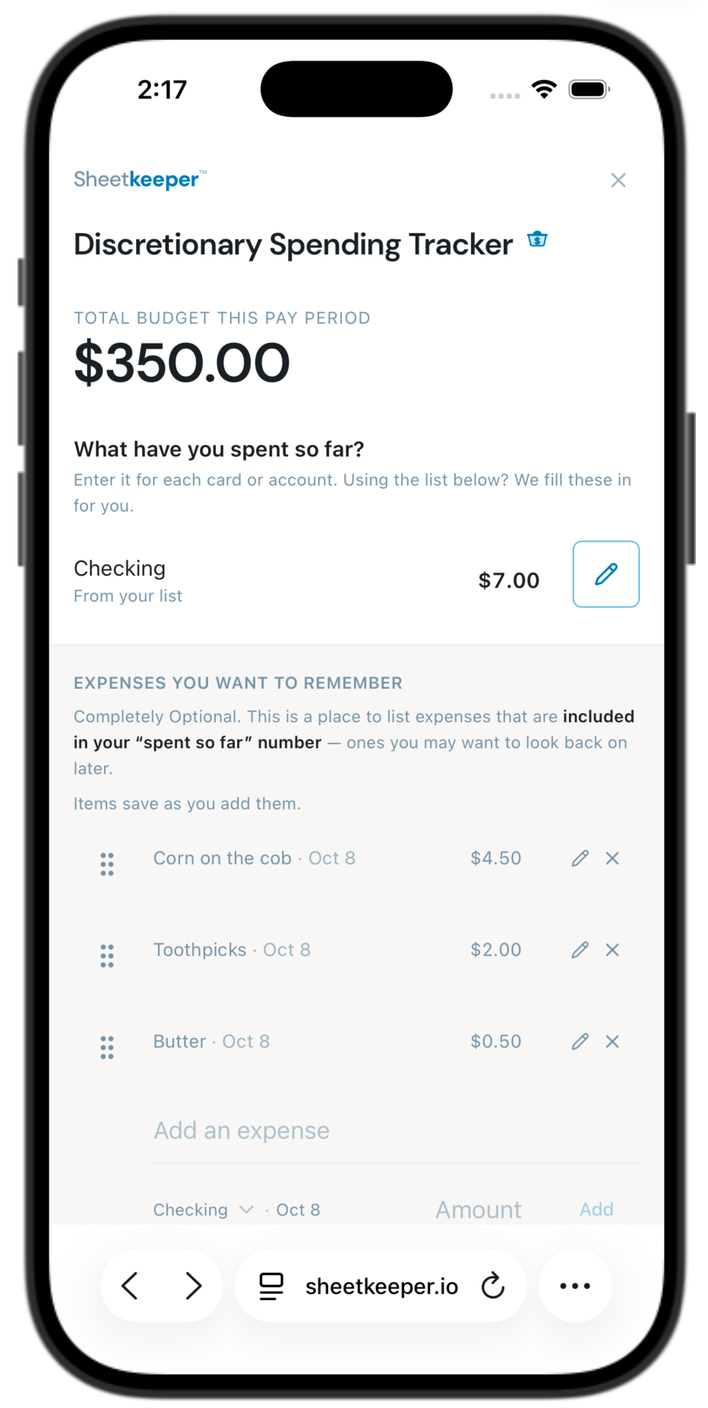
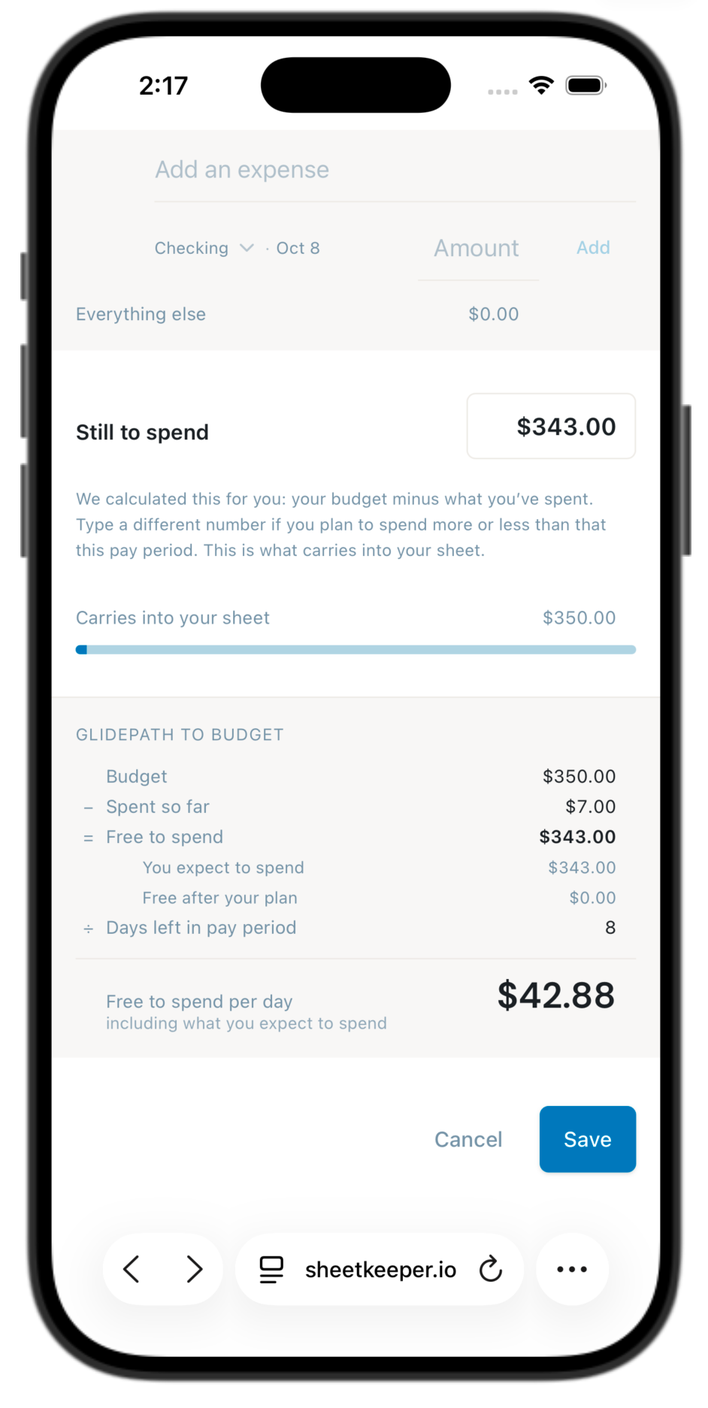
Nothing to install. It’s sheetkeeper.io in your phone’s browser.
Change one thing today. Watch your whole future move.
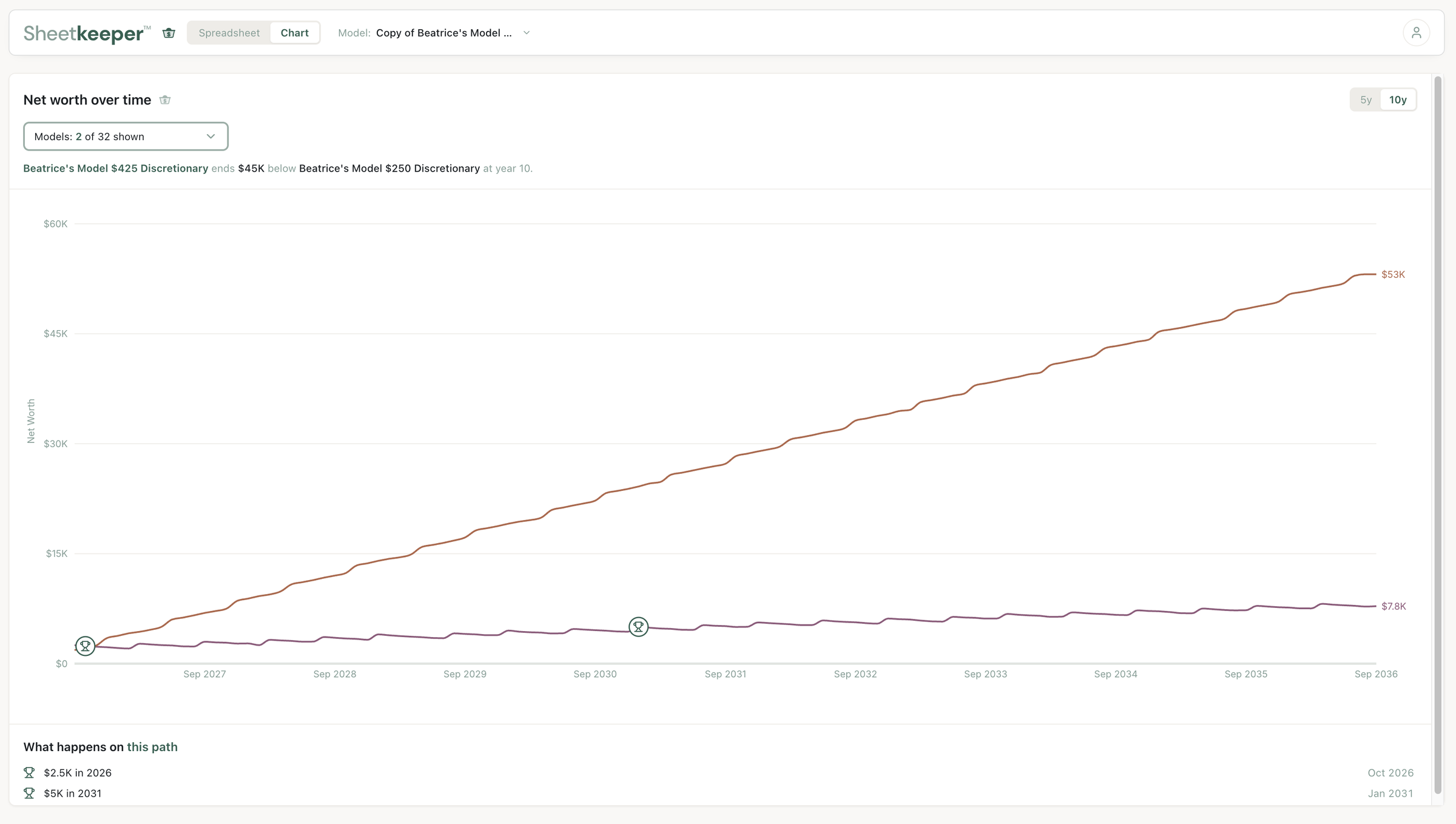
Raise your car payment. Add a raise. Pay off a card six months early. Every number downstream updates instantly, years into the future. This is the part no budgeting app does — they tell you what you already spent. Sheetkeeper™ shows you what happens next.
Keep as many models as you like. Copy the one you have, change a single thing in the copy — a bigger car payment, a smaller grocery number, a job that pays more — then put both on the chart and see which one leaves you further ahead years from now.
One place where all of it lives.
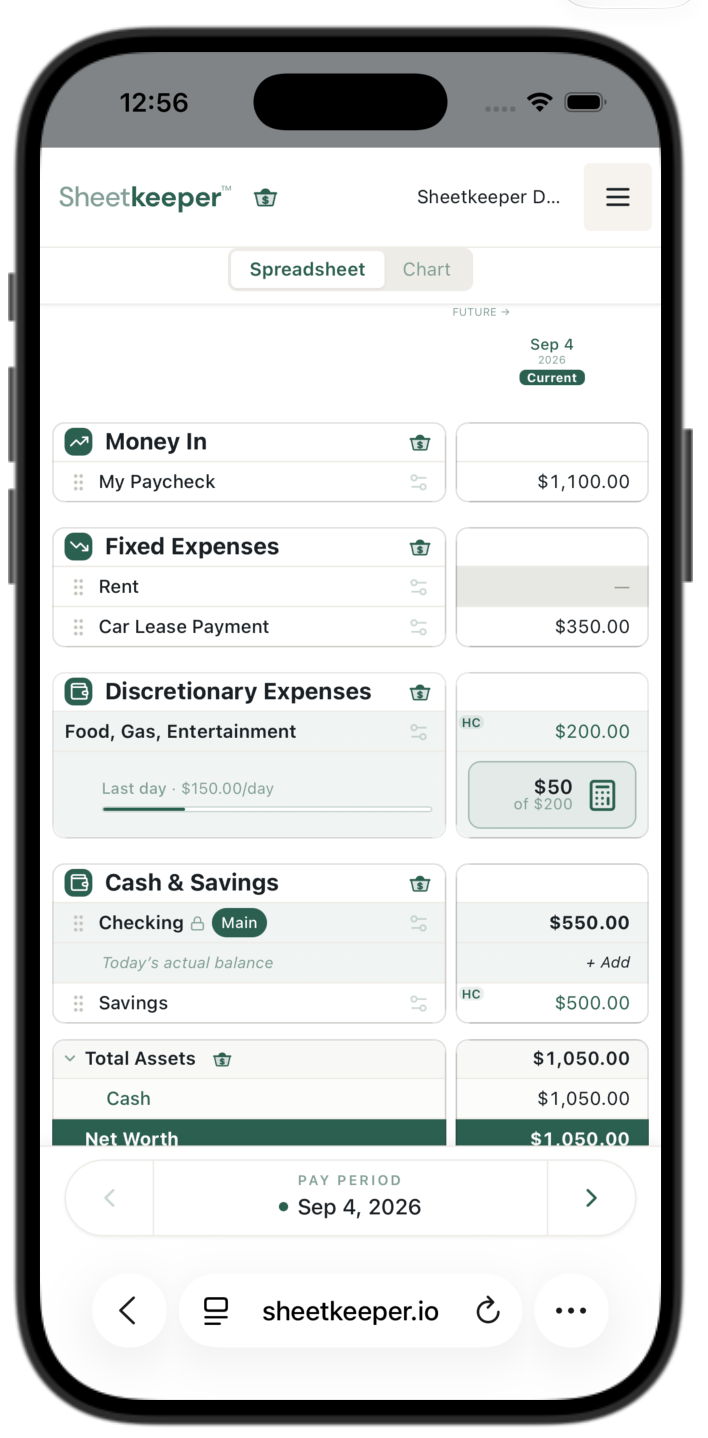
Every account, every bill, every debt, every paycheck — on one screen you scroll. Not four apps and a shoebox. A home base for your money.
No formulas. No spreadsheet skills. No bank logins.
You’ll never write a formula or learn a spreadsheet. Setup takes minutes. And we never connect to your bank — no logins handed over, no accounts linked. Every figure is yours, entered by you. Check in from your phone when you’re out.
Make it yours.
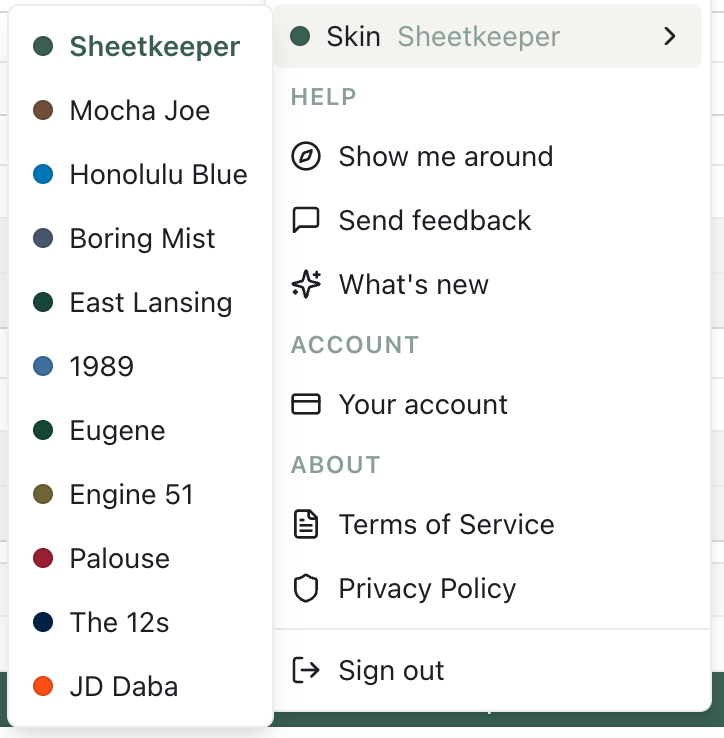
You'll be in here every payday. It should look the way you want it to look.
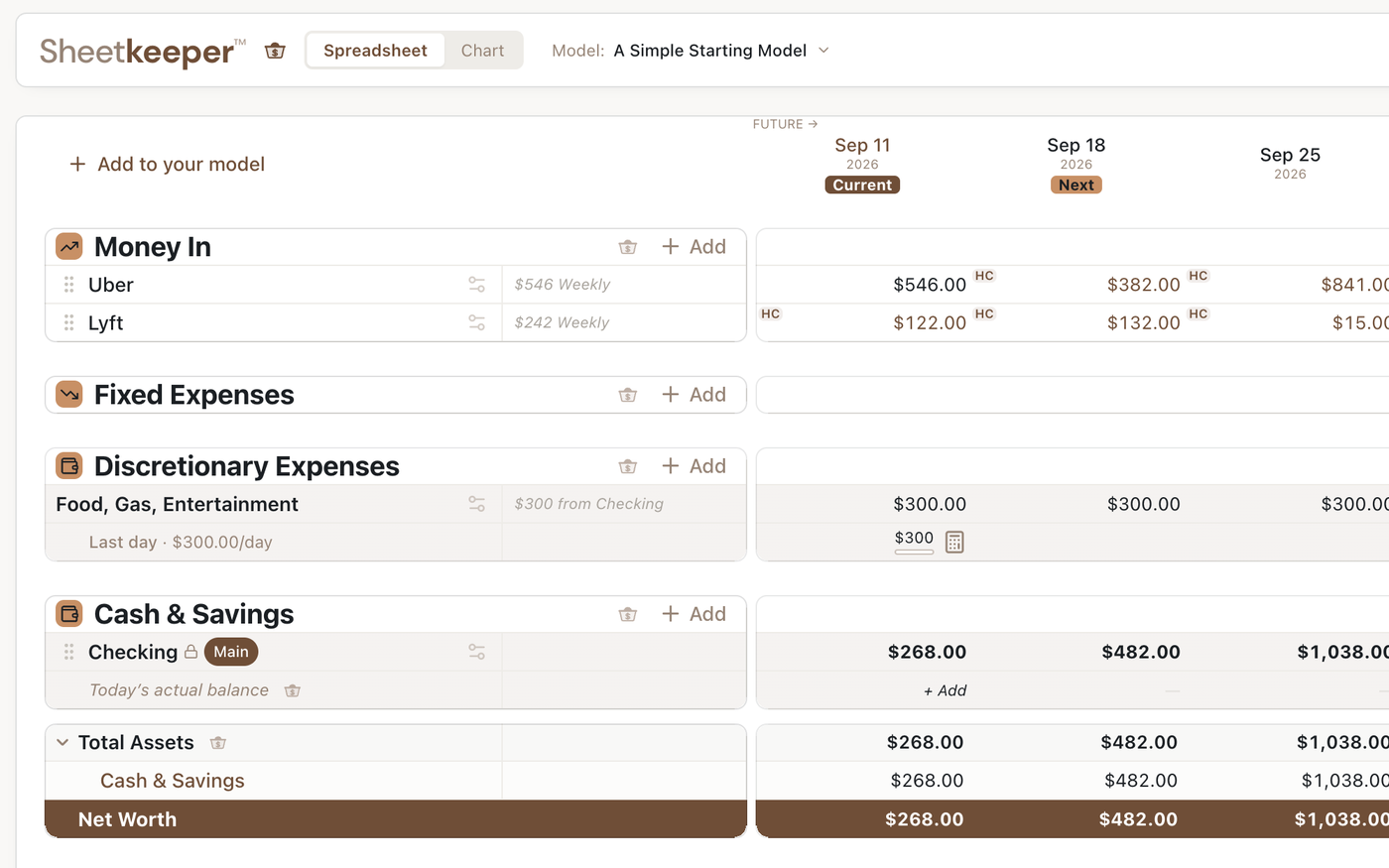
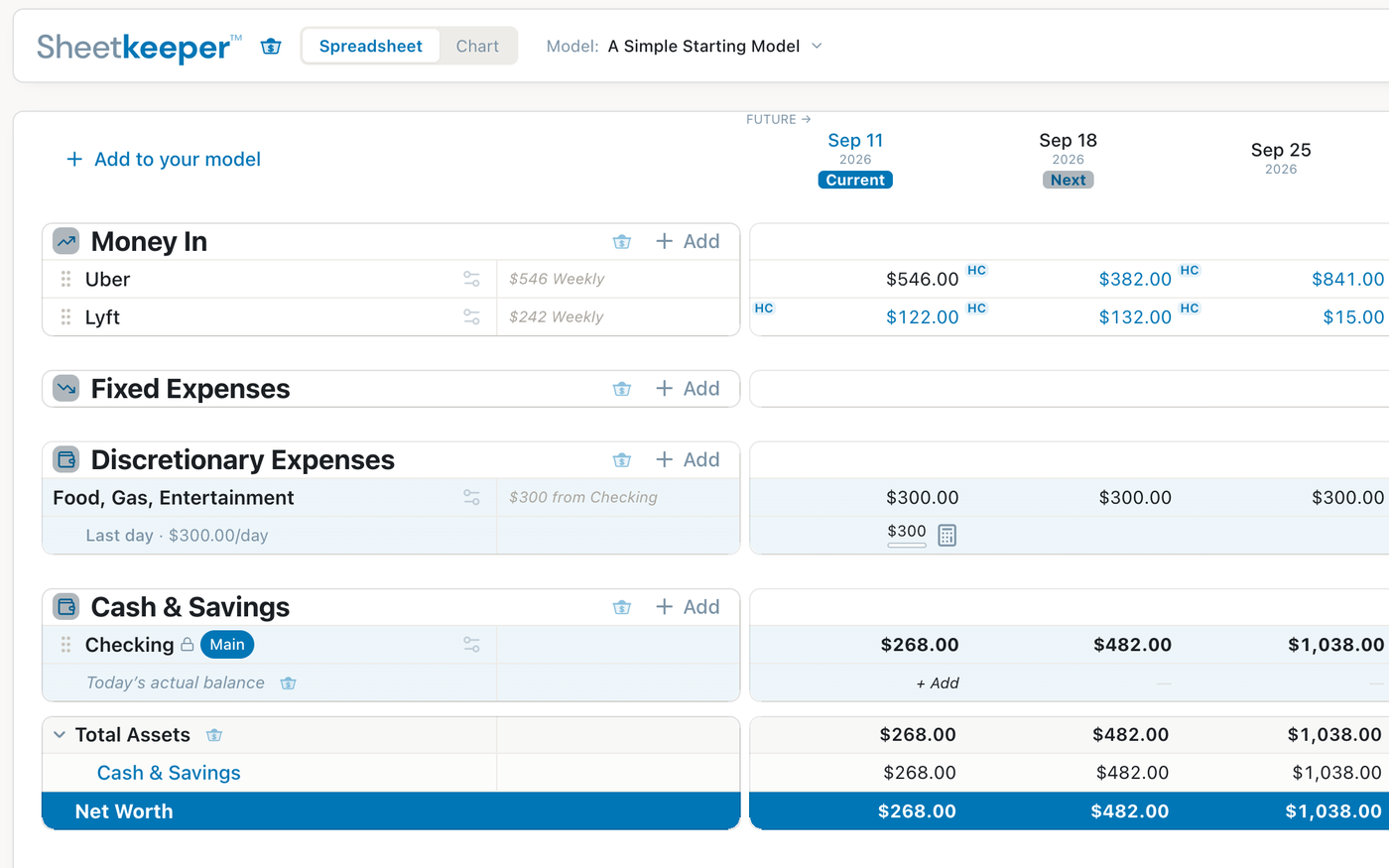
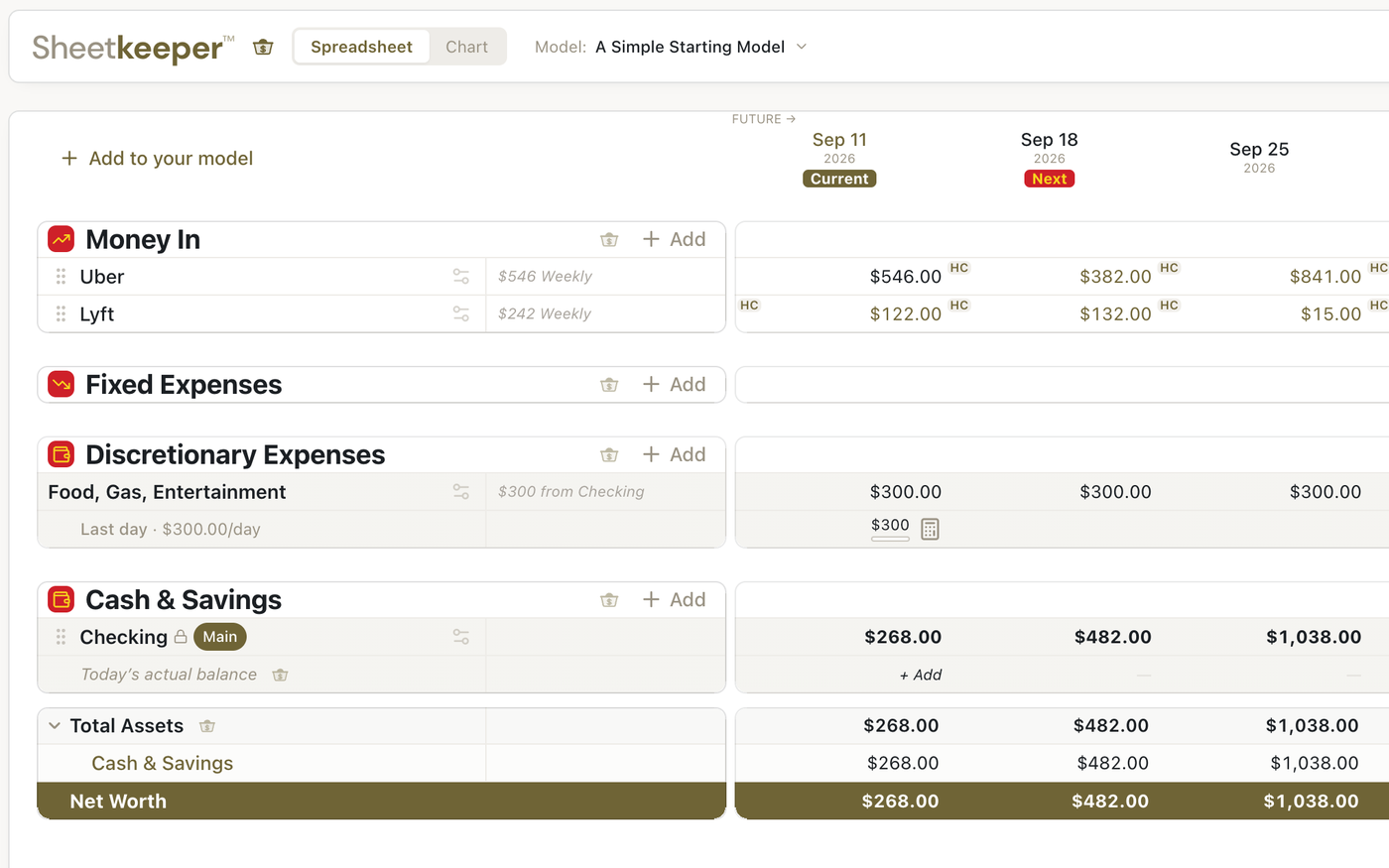
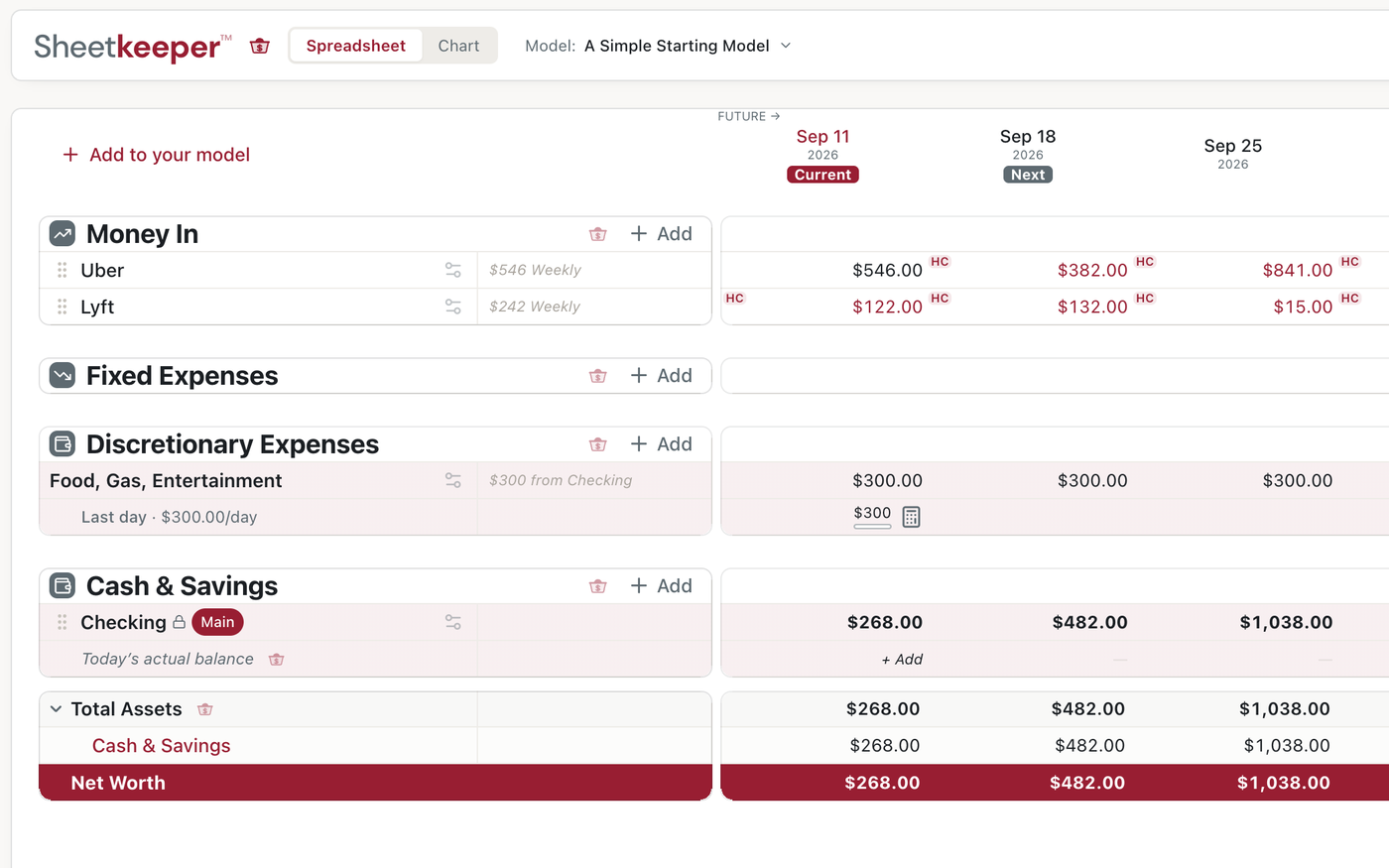
More where those came from — pick yours from the menu.
Room to breathe, or not.
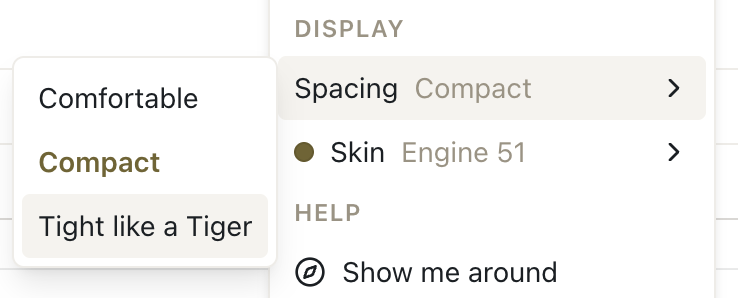
Comfortable, Compact, or Tight like a Tiger — fit four pay periods on screen or fourteen.

Your eyes, your call.
Zoom in until the numbers are easy to read, or out until more of your future fits.
It teaches you while you use it.
Stuck on something? A short lesson is right there, at the moment you need it — not buried in a course you’ll never open. Taught by a Certified Financial Education Instructor and former licensed financial advisor.
Financial education, not financial advice.
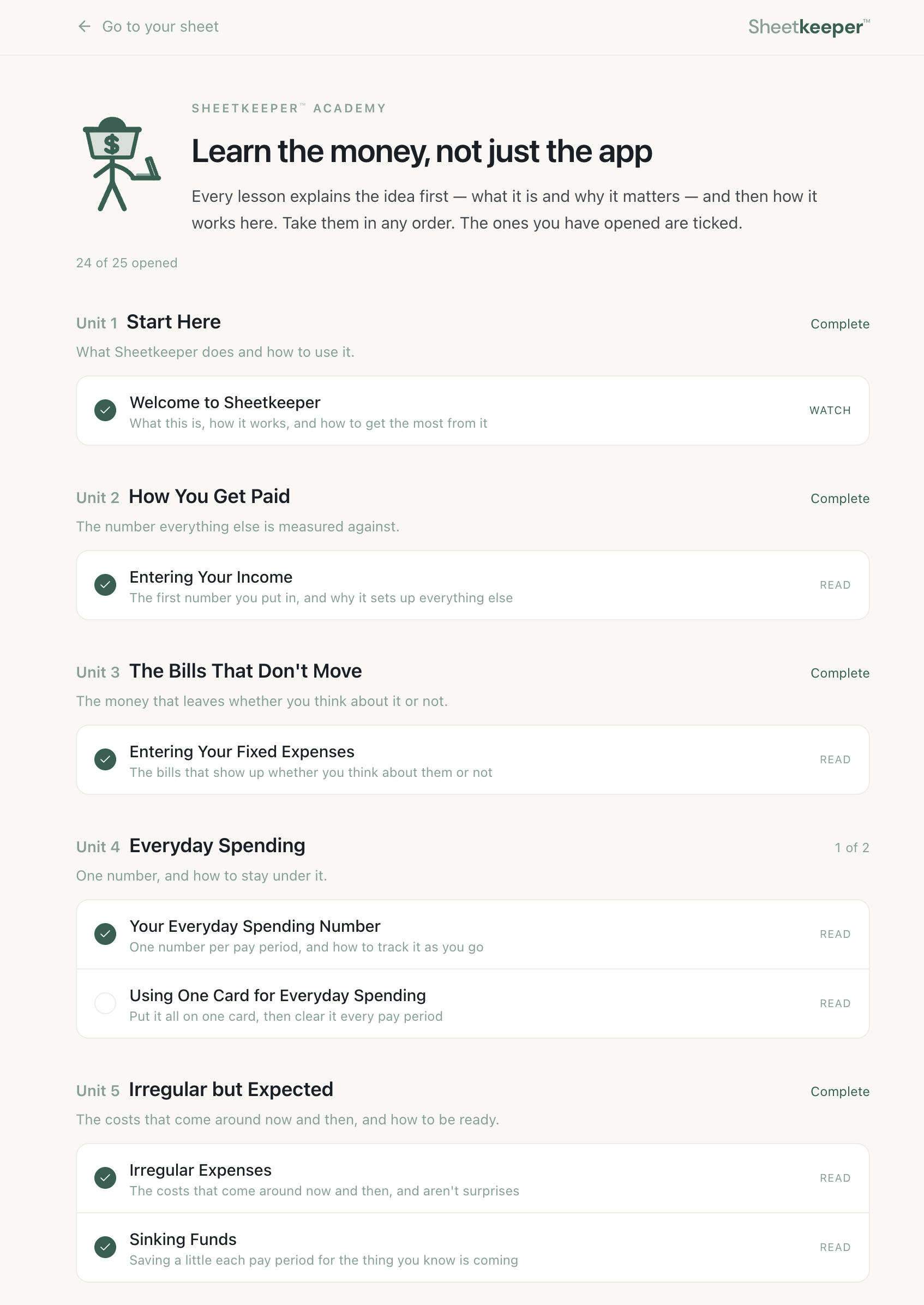
Watch the first lesson, free — the same one that opens the app. 8:51.
Two dollars a month. First month free.
No contract. Cancel anytime. No bank connection.
It’s open. Start today.
Frequently asked questions
When can I start using it?
Today. Start your free month and you’re in. After that it’s two dollars a month, and you can cancel anytime.
Who can sign up?
Adults 18 or older, in the United States.
Does Sheetkeeper connect to my bank?
No. You enter your own numbers. We never ask for bank logins and we don’t link accounts. That’s a deliberate design choice, not a missing feature.
How is this different from a budget spreadsheet?
It does what a good budget spreadsheet does without you having to build or maintain one. No formulas, no broken references, no starting over each year. And it projects years ahead instead of one month at a time.
I get paid every two weeks. Does that work?
That’s exactly what it’s built for. Sheetkeeper™ runs on your pay periods — biweekly, semi-monthly, weekly, or irregular — instead of forcing your money into calendar months.
Is this a budgeting app?
It can be. Sheetkeeper™ tracks fixed and discretionary spending its own way, and most people find they don’t need a separate budgeting app alongside it. The difference is direction: budgeting apps sort what you already spent, Sheetkeeper™ shows you what happens next.
What does it cost?
Two dollars a month, with the first month free. Cancel anytime. Following cancellation, you will continue to have access to Sheetkeeper™ through the end of your current billing period, at which point your subscription will terminate. We do not offer partial refunds.
Do I need to be good with spreadsheets?
No. You’ll never see or write a formula.
Does it work on my phone?
Yes. There’s a mobile view for checking in when you’re away from your computer.